

Rent Storage Units Online in Cedar City, UT
Rent, Pay & Manage Your Storage Unit Online 24/7
Skip the office visit. Cedar City Self Storage makes it easy to rent a storage unit online, set up autopay, and manage your account from anywhere. Whether you're a SUU student renting from campus, a business owner managing multiple units, or a homeowner moving to Cedar City, our digital rental process gets you storage in minutes — not hours

Why Choose Our RV Storage?
Safe and secure storage facility
Convenient access hours
Spacious parking for all RV sizes
Short-term and long-term storage options
Clean, well-maintained premises
Affordable and flexible pricing
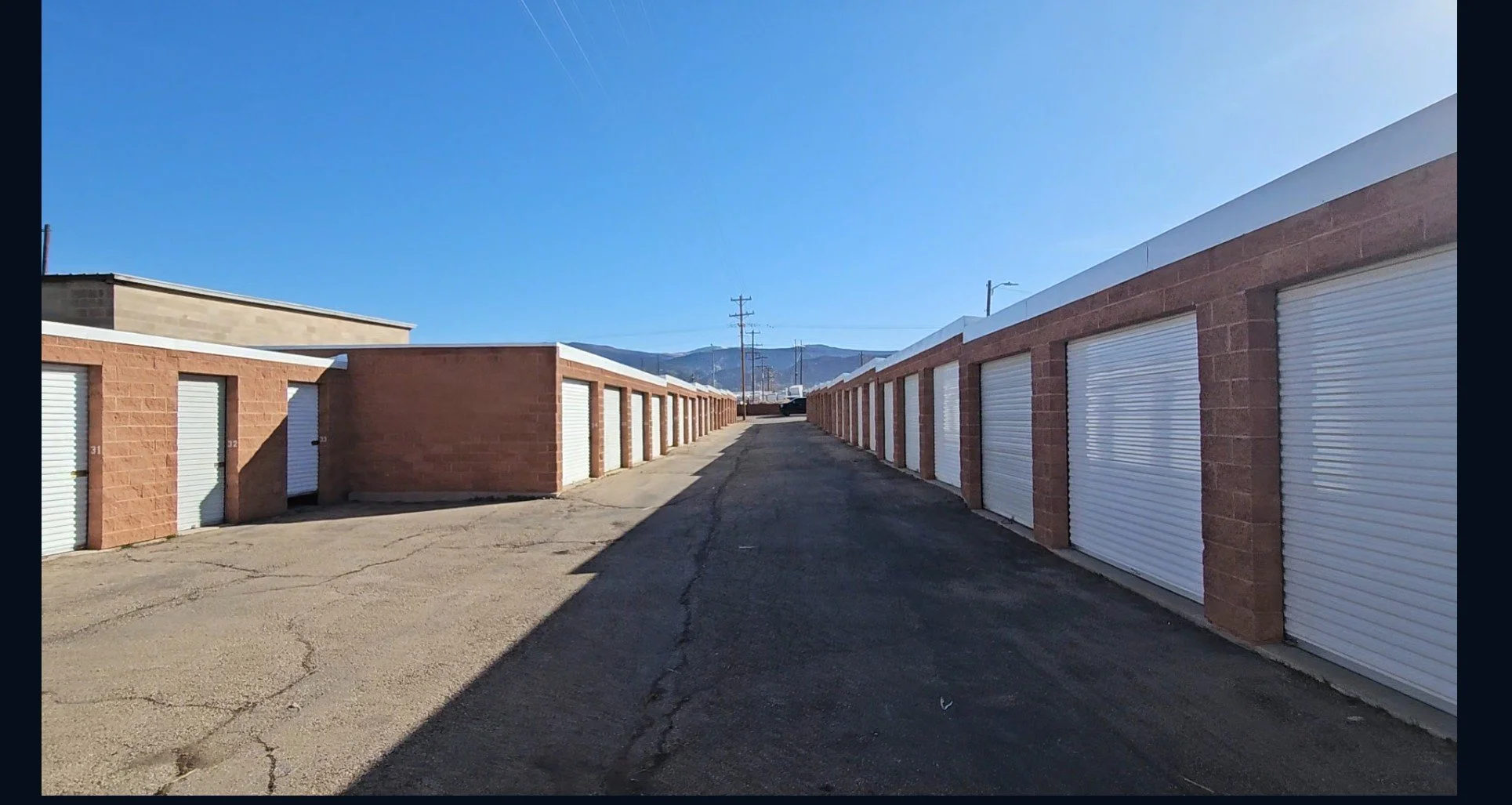
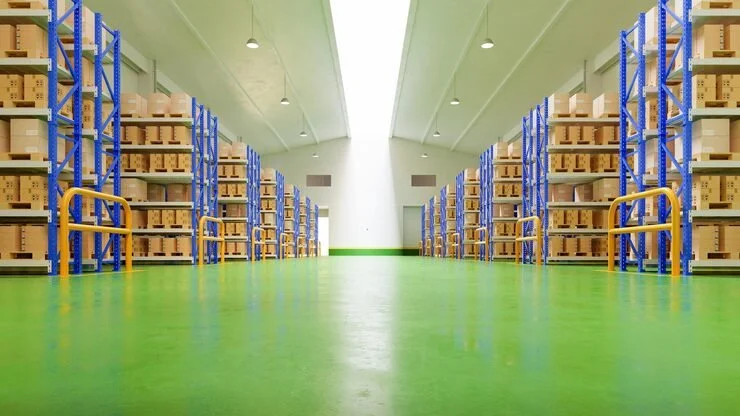
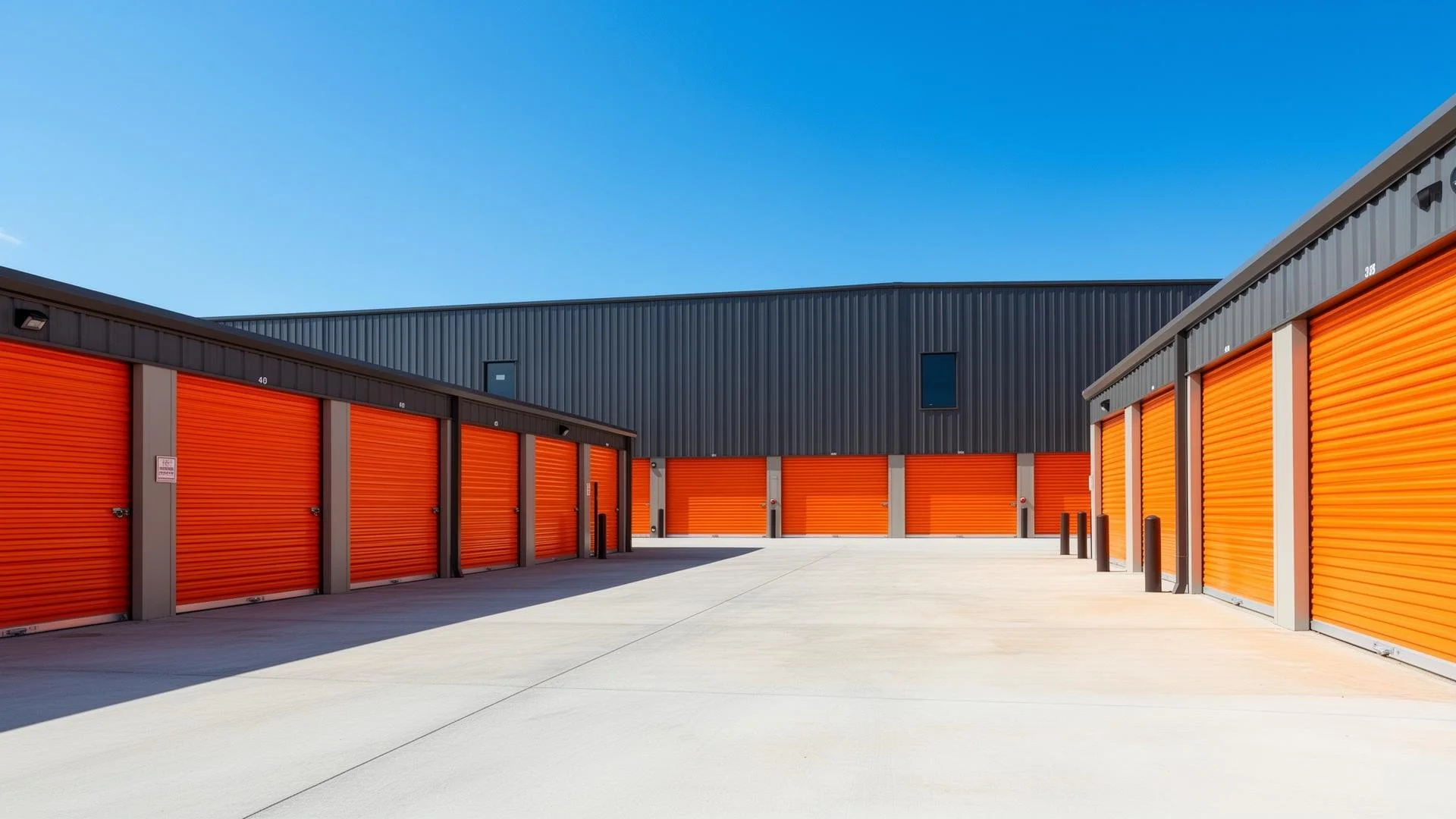
What to Expect at Zion State Storage
Safe and Secure Facility
24/7 Surveillance System
Clean and Secure Facility
Great Customer Service
Access from 6 am to 10 pm Daily
Online Bill Pay and Autopay
Online Storage Services at Your Fingertips
Manage your entire storage account from your phone or computer — no need to call or stop by the office:
Rent a Unit — Browse sizes, check availability, and reserve instantly. Skip the trip.
Pay Your Bill — Make a one-time payment or set up recurring autopay. Takes 2 minutes.
Manage Autopay — Link your bank account or credit card and never miss a payment. Set it once.
Update Account Info — Change contact details or add emergency contacts. Instant.
View Payment History — Download receipts and track charges. Anytime.
Move-Out Notice — Submit your notice to vacate directly through your portal. No call needed.
Need help with your online account? Call (435) 233-6038 and we'll walk you through it.
How Online Rental Works
3 Steps to Your Storage Unit
1. Choose Your Unit Online, Browse available drive-up units, RV parking, and vehicle storage at our Cedar City facility. See sizes, features, and starting rates in real time.
2. Complete Digital Move-In, Fill out your rental agreement, upload your ID, and pay your first month's rent ,all from your phone or computer. No office visit required to get started.
3. Get Your Gate Code & Move In, Receive your personalized electronic gate code via email or text. Drive to North Airport Road and North 800 West and start loading immediately.
Pay Your Storage Bill Your Way
Credit or Debit Card
Pay your monthly storage bill online with any major credit or debit card. One-time payments process instantly.
Bank Account (ACH)
Link your checking account for secure ACH payments. Lower fees, direct withdrawal.
Autopay
Set up autopay once and never worry about late fees. Your payment processes automatically on your billing date. Cancel or modify anytime through your portal.
Payment Reminders
Get email or text reminders before your due date. Stay on top of your account without thinking about it.
Secure Online Rental & Payment
Our online portal uses bank-level encryption to protect your personal information and payment details. Your rental agreement is digital, legally binding, and stored securely in your account. And if you ever need help, our Cedar City manager is available by phone at (435) 233-6038 during office hours — or 24/7 for emergencies.
Online Storage Rental for Cedar City & Iron County
Whether you're in Cedar City, Enoch, Parowan, St. George, or Kanab, rent your storage unit from home and move in when it's convenient. Our North Airport Road and North 800 West facility is easy to reach from I-15 and Southern Utah University. Perfect for students who need to rent before arriving, snowbirds managing storage from out of state, or contractors who don't have time to visit the office.

Storing with CubeSmart
Whether you’re storing for the first time or a seasoned storage renter, we’ve gathered years of customer feedback to offer the amenities that matter at our locations.
Self-Storage Tips
Whether you’re storing for the first time or a seasoned storage renter, we’ve gathered years of customer feedback to offer the amenities that matter at our locations.
Self-Storage Third-Party Management
Whether you’re storing for the first time or a seasoned storage renter, we’ve gathered years of customer feedback to offer the amenities that matter at our locations.
Frequently Asked Questions
-
Yes. Our full online rental process lets you choose your unit, sign your digital agreement, upload your ID, and pay — all from your phone or computer. You'll receive your gate code electronically and can move in immediately. We do ask that you stop by the office afterward to verify your ID in person, but your unit is ready to use right away
-
Log into your customer portal anytime. Pay with a credit/debit card or link your bank account for ACH payments. You can make one-time payments or set up autopay so your bill is paid automatically every month.
-
Yes. Autopay is available for both credit cards and bank accounts. Log into your portal, go to "Payment Settings," and enable recurring payments. You can cancel or change your payment method anytime. Never worry about late fees again.
-
Absolutely. Your online customer portal lets you view payment history, download receipts, update contact information, add emergency contacts, and submit move-out notices. Manage everything 24/7 without calling the office.
-
Yes. Our portal uses bank-level SSL encryption to protect your personal data and payment information. Your digital rental agreement is legally binding and stored securely. If you have any concerns, call us at (435) 233-6038. Ready to rent? Browse [drive-up storage units in Cedar City], [RV parking], or [boat storage] and reserve your space online in minutes.

CALL TO ACTION
CubeSmart teammates strive to make our customers’ lives easier with innovative self-storage solutions, award-winning customer service, and genuine care. And we work together, as a team, to make fellow teammates’ lives easier, too. It’s what elevates a career at CubeSmart above other jobs–storage, retail, customer service, corporate… you name it.